



 By
·
4 minute read
By
·
4 minute read
Shipping stopped by a "Too Many Requests" error? Here is the deep dive into UPS API rate limits, why you hit them, and the exact technical steps to get your logistics moving again.
When Success Becomes a Problem
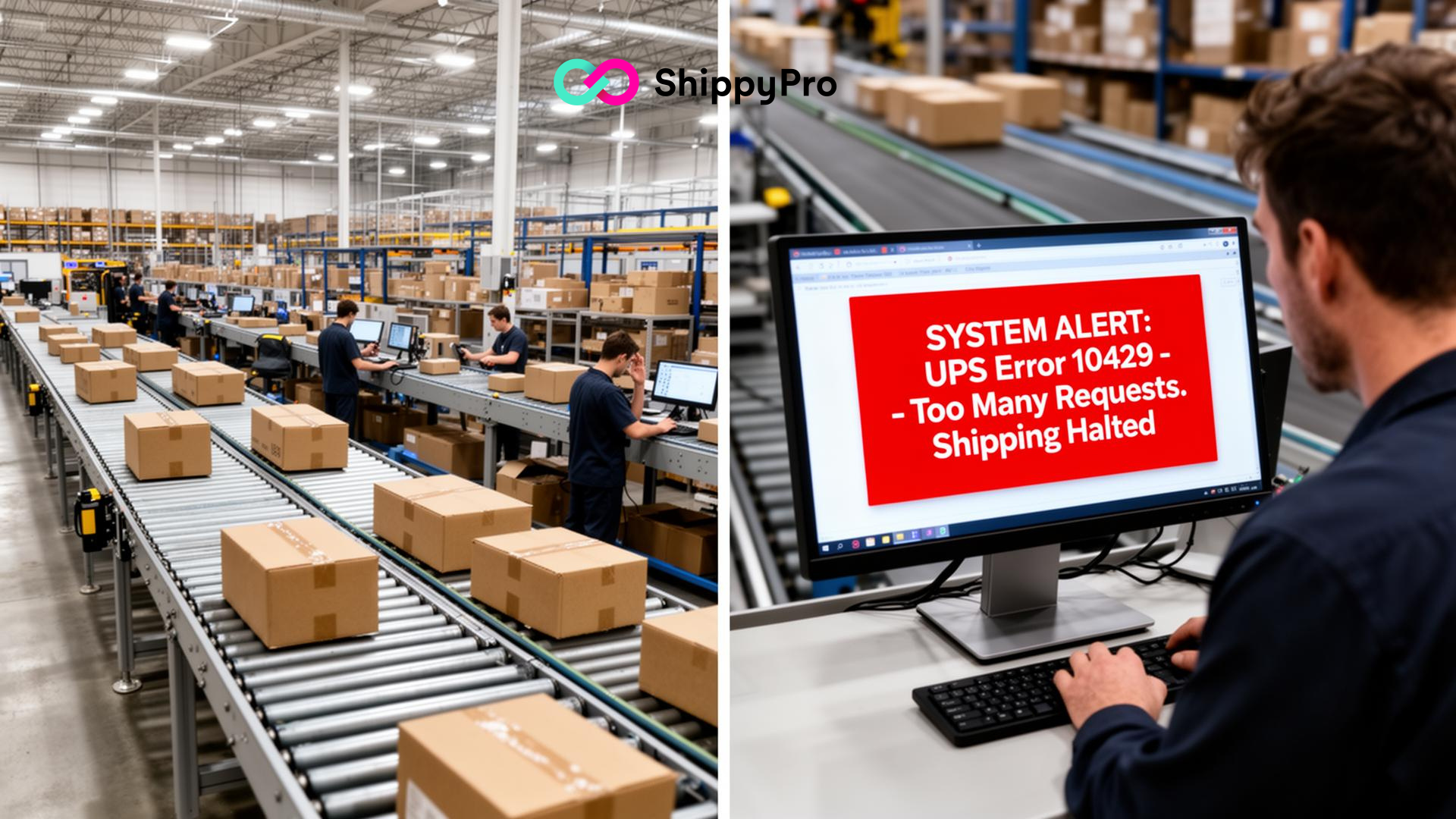
Imagine this scenario: You just launched a massive Black Friday flash sale. Orders are pouring in every second. Your warehouse team is scanning items, your customers are checking their tracking links, and suddenly—silence.
Your shipping platform freezes. The tracking page goes blank. And in your error logs, you see one code repeating thousands of times:
UPS Error 10429: Too Many Requests
It feels like a server crash, but it is actually a safety mechanism. You haven't broken UPS; you have just been pulled over for speeding.
In the world of API-based logistics, Error 10429 is the digital equivalent of a bouncer stopping you at the door because the club is full. If you don't handle this error correctly, a 30-minute pause can turn into a 24-hour ban.
In this guide, we will break down exactly how UPS rate limiting works, identify the "bad habits" that trigger it, and provide the code-level strategies to fix it permanently.
Decoding Error 10429 (The "Speed Limit")
Unlike authentication errors (wrong password) or validation errors (bad address), Error 10429 is purely about volume and velocity.
UPS protects its global infrastructure by assigning a "Throttle Limit" to every integration. This limit defines how many times your software can "talk" to their server within a specific timeframe (usually per minute or per second).
The "Hidden" Tier System
Many merchants don't realize that UPS API limits vary based on your integration status: If you are unsure which credentials you are using, check our guide on how to connect UPS to verify your setup.
-
Testing / CIE Environment: Very low limits. Designed only for a few test calls. If you go live with these credentials, you will crash immediately.
-
Standard Production: The default tier for most active merchant accounts. It handles healthy volumes but cannot support "Amazon-level" traffic spikes.
-
High-Volume / Partner Tier: Higher limits reserved for enterprise platforms (like ShippyPro) or massive retailers who have undergone a special certification process.
If you are seeing Error 10429, you are trying to push "High-Volume" traffic through a "Standard" pipe.
Why Did This Happen? (The 3 Usual Suspects)
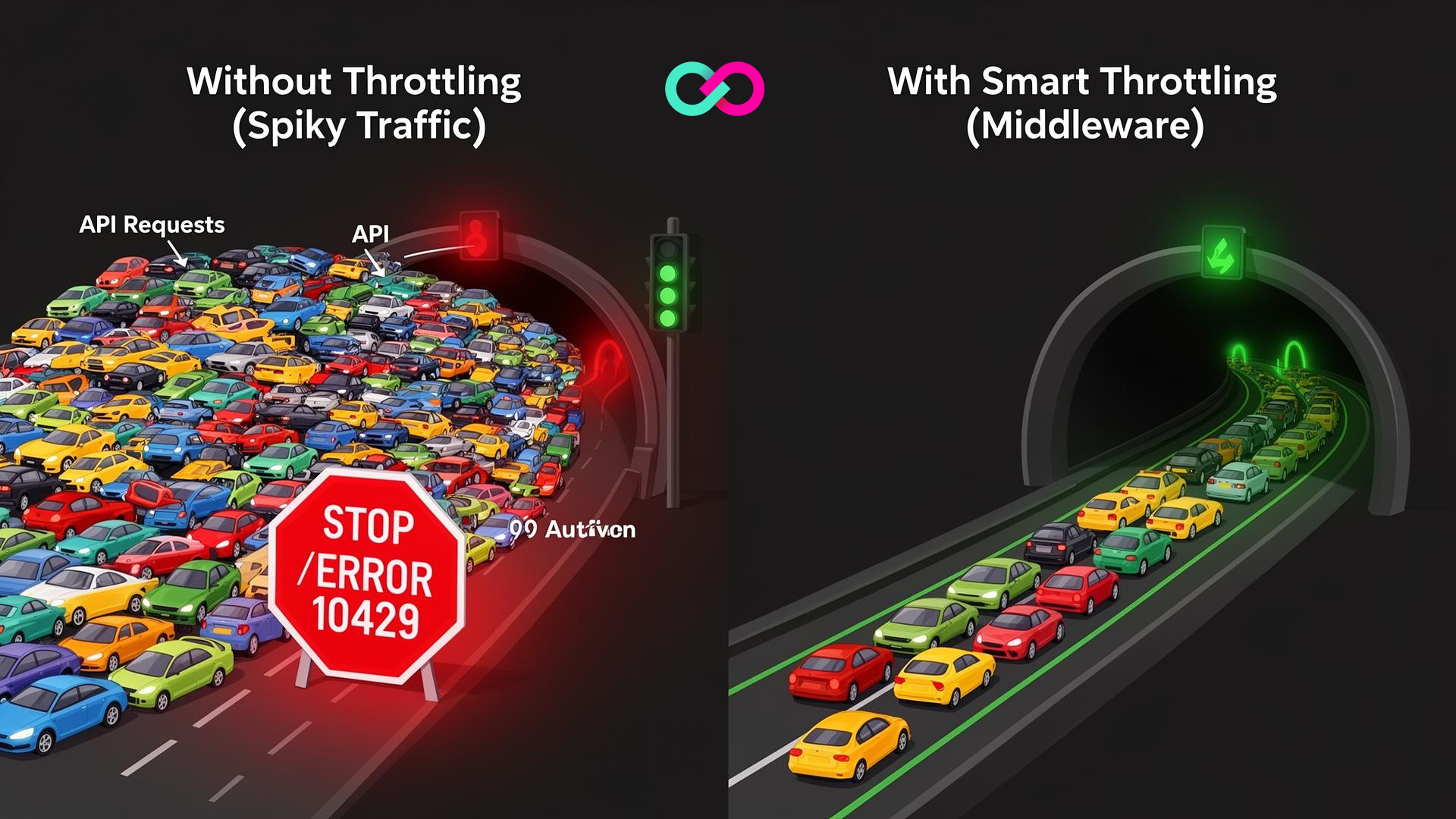
It is easy to blame "too many orders," but in 90% of cases we analyze, the problem isn't the number of orders—it's how the software handles them.
1. The "Aggressive Tracking" Bug
This is the #1 cause.
- The Mistake: You built a "Track My Order" page on your website. Every time a customer (or your support team) refreshes that page, your server sends a live request to the UPS API.
- The Crisis: If you send an email blast saying "Your Order Has Shipped!", 5,000 people click the link simultaneously. That's 5,000 API calls in 10 seconds. UPS blocks you instantly.
2. The "Infinite Retry" Loop
- The Mistake: Your warehouse software tries to print a label. The connection times out. Your code is written to "Retry immediately if failed."
- The Crisis: The software retries 100 times per second. UPS sees this as a Denial of Service (DoS) attack and blacklists your IP.
3. Batch Processing without Pauses
- The Mistake: It's Monday morning. You have 2,000 orders from the weekend. You select "Select All" > "Ship".
- The Crisis: Your system tries to generate 2,000 labels in the exact same millisecond. The pipe gets clogged, and only the first 100 succeed.
How to Fix It (The Protocol)
If your operations are stalled right now, follow these steps in order.
Step 1: The "Cool Down" (Immediate Action)
You cannot force your way past Error 10429. Sending more requests only resets the blockage timer.
- Action: Stop all API calls to UPS for 30 to 60 minutes.
- Why: UPS rate limit counters typically reset at the top of the hour or after a set window of silence. If you keep poking the bear, the timer restarts.
Step 2: Implement "Exponential Backoff"
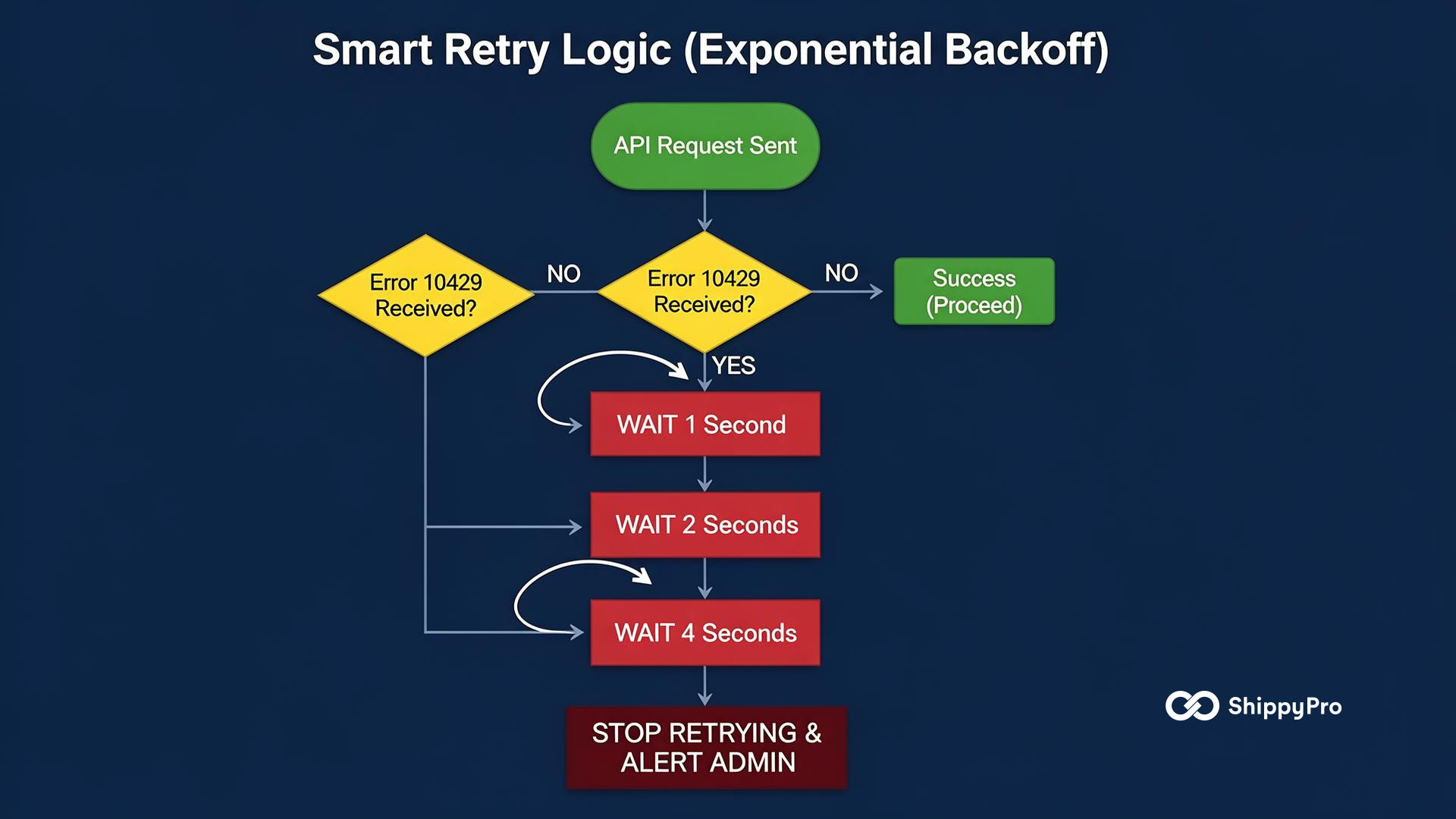
If you have a custom integration, you need to change how your code handles failure. Do not retry immediately. Use this logic:
- Attempt 1: Fail.
- Wait 1 second.
- Attempt 2: Fail.
- Wait 2 seconds.
- Attempt 3: Fail.
- Wait 4 seconds.
- Attempt 4: Fail. Stop and alert admin.
Step 3: The "Cache" Strategy (The Permanent Fix)
This is the secret to scaling. You generally do not need "up-to-the-second" tracking data.
- Strategy: When your system asks UPS "Where is Package X?", save that answer in your own database for 4 hours.
- Benefit: If the customer refreshes the page 50 times in that hour, you serve them the saved data from your database (0 UPS calls) rather than pinging UPS 50 times.
Troubleshooting Matrix
Use this table to diagnose the severity of your error. If you are encountering other issues—like authentication failures or label validation errors—check our master guide on how to fix UPS errors for a complete list of status codes.
Stop Hitting Red Lights
If you are consistently seeing Error 10429, your business has likely outgrown a direct API connection. Managing caching, backoffs, and protocol updates requires a dedicated engineering team.
Ready to switch to a High-Volume Partner Tier? Automate your UPS labels with ShippyPro and let our infrastructure handle the rate limits for you.
👉 Register for free and connect UPS today
FAQ: Frequently Asked Questions
Does Error 10429 affect packages already in transit?
No. This is purely a data error. The physical packages moving through the UPS network are unaffected. Drivers will still deliver them. The only impact is that you cannot see the updates or create new labels until the error clears.
Can I pay UPS to remove the limit?
Generally, no. UPS does not sell "unlimited" API access as a paid add-on. To get higher limits, you must prove a legitimate business need (high volume) and often undergo a certification process to move your credentials to a higher tier.
How do I know if I am on the "Test" or "Production" environment?
- Check your API URL.
- Test Environment:
https://wwwcie.ups.com/... - Production Environment:
https://onlinetools.ups.com/... - Note: Using the "CIE" URL for real shipments will guarantee you hit Rate Limits very quickly.

As the Growth Manager at ShippyPro, I help online retailers transform their shipping operations from a bottleneck into a growth engine. My expertise lies in ecommerce logistics and automation, specifically helping brands save time and scale efficiently. I write about the tools, strategies, and technologies that are defining the future of fulfillment.